As the Terrorist Gun Dealer you are **not** able to participate in [Terrorist Missions](https://wiki.cloud-gaming.co.uk/books/terrorists/chapter/terrorist-missions).
[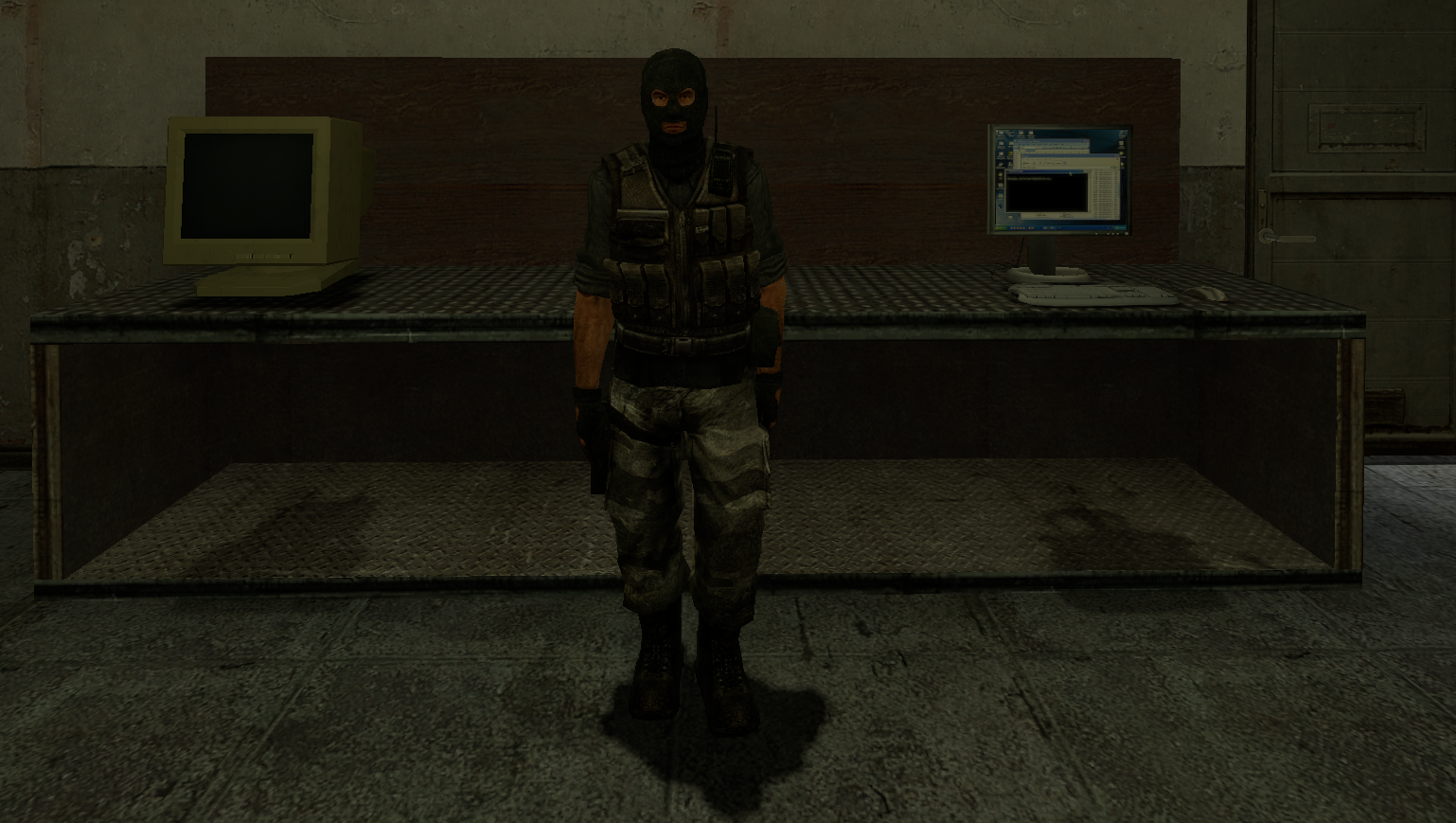](https://wiki.cloud-gaming.co.uk/uploads/images/gallery/2023-12/FqHimage.png) # Terrorist Missions A list of all the Terrorist Missions and how to play them. # How to Access Terrorist Missions The Terrorist Missions can be started by choosing the **Terrorist Leader** job and typing in the **!missions** command in chat where you will be greeted with a pop-up menu with a list of various missions for you to choose from. Then, just click the mission you wish to play! # Plant Bomb Mission ### **Overview** The goal of the Plant Bomb mission is to **plant and protect a C4 explosive from being defused** by the Civil Protection until it detonates. ### **How to Play** The mission begins by **collecting supplies** from a **randomised location on the map**. Once the supplies have been collected, the mission itself will begin shortly after. A Terrorist will be **randomly assigned to carry the C4** and will have to go to the **marked location on the map** to **plant the bomb.** Once the bomb has been planted you **must protect it until** detonates fending from **any Civil Protection who try to defuse it.**You **cannot** kill any passing by civil protection unless they are **clearly trying to attack and stop you.**
# Vandalism Mission ### **Overview** The goal of the Vandalism mission is to cause chaos around the map by vandalising the target objectives set for your group. It is a straightforward mission focused on hitting targets rather than defending a single spot. ### **How to Play** Once the Terrorist Leader starts the mission, a target or set of targets will be marked for your group. Head to each one and vandalise it to make progress. Work together as a group so you can deal with any Civil Protection or players who try to stop you. Complete all of the targets before the mission timer runs out to finish the mission and earn the reward. # Hack PD Mission ### **Overview** The goal of the Hack PD mission is to break into the Police Department and hack their systems. This is a high risk mission, as you will be going straight into Civil Protection territory to complete it. ### **How to Play** After the Terrorist Leader starts the mission, make your way into the PD and begin the hack at the marked terminal in the mayor's office. The hack takes time to complete, so your group will need to hold the area and protect whoever is hacking from Civil Protection. Once you successfully hack the PD's mainframe, you can remove/add laws, run lotteries and more! If the hack is stopped, you may need to restart it. Complete the hack to finish the mission and earn the reward. # (Terrorist) Turf Mission ### **Overview** The goal of the Terrorist Turf mission is to take and hold a marked turf zone as a Terrorist group. It works like a turf fight, but it is run as a Terrorist mission rather than a gang event. (Looking for the gang version? See [Turf War](https://wiki.cloud-gaming.co.uk/books/gangs/page/turf-war).) ### **How to Play** Once the Terrorist Leader starts the mission, a turf zone will be marked on the map. Get inside the zone and hold it against anyone who tries to contest it from the Civil Protection. Standing in the objective builds up points for your group, and the zone must be held rather than just visited. Hold the turf to complete the mission and earn the reward. # Kidnap Mayor Mission ### **Overview** The goal of the Kidnap Mayor mission is to capture the Mayor and hold them for the required amount of time. It is one of the boldest terrorist missions, since the Mayor is heavily protected by Civil Protection and the Secret Service. ### **How to Play** After the Terrorist Leader starts the mission, make your way to the Mayor and kidnap them using the interaction menu, following the normal kidnap rules. Once you have them, take them back to a safe spot and keep hold of them while the mission timer counts down. Keep the Mayor held for the full duration to complete the mission and earn the reward. Expect Civil Protection to come after you, so bring your group along to defend. # Terrorist Access A list of all stuff you can access while playing Terrorist Jobs. # Terrorist Access A list of the commands and terminals you can use while playing the Terrorist jobs. ### **Commands** **/missions** opens the Terrorist missions menu. This command can only be run by the **Terrorist Leader**, who uses it to start missions for the group to take on. ### **Terminals** All Terrorists have access to the following terminals: - **Terrorist Talents** terminal, used to view and manage your Terrorist talents. - **Terrorist Levels** terminal, used to view and track your Terrorist levels.