# Weed

### **Grow Formula**

Grow Formula allows you to put more than 1 seed into your weed pot at a time. By default, you can have **one** grow formula added to your pot which allows your pot to hold **2 weed seeds** at a time. If your gang has purchased the upgrade in the credit store, however, you can put an additional grow formula in the pot; this allows a total of  **3 weed seeds** at a time!

### **Growing Weed**

To grow weed simply open the **F4 &gt; Entities** menu and click **Stardawg Seeds.** Place these seeds into your **weed pot** and then give it time to grow.

Once the pot says **Ready To Harvest!** press **use** (E by default) to remove the bags of weed from the weed pot. If you have a Weed Box you can store these weed ounces in there.

### **Selling your Weed**

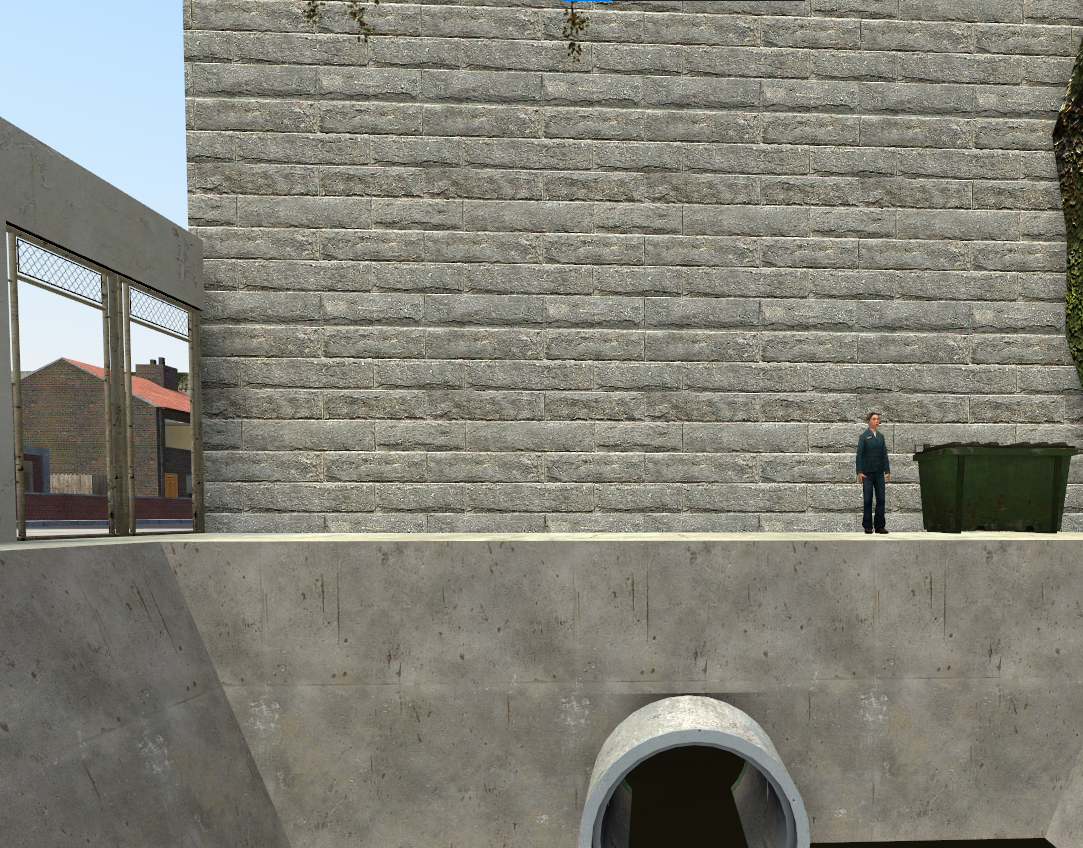
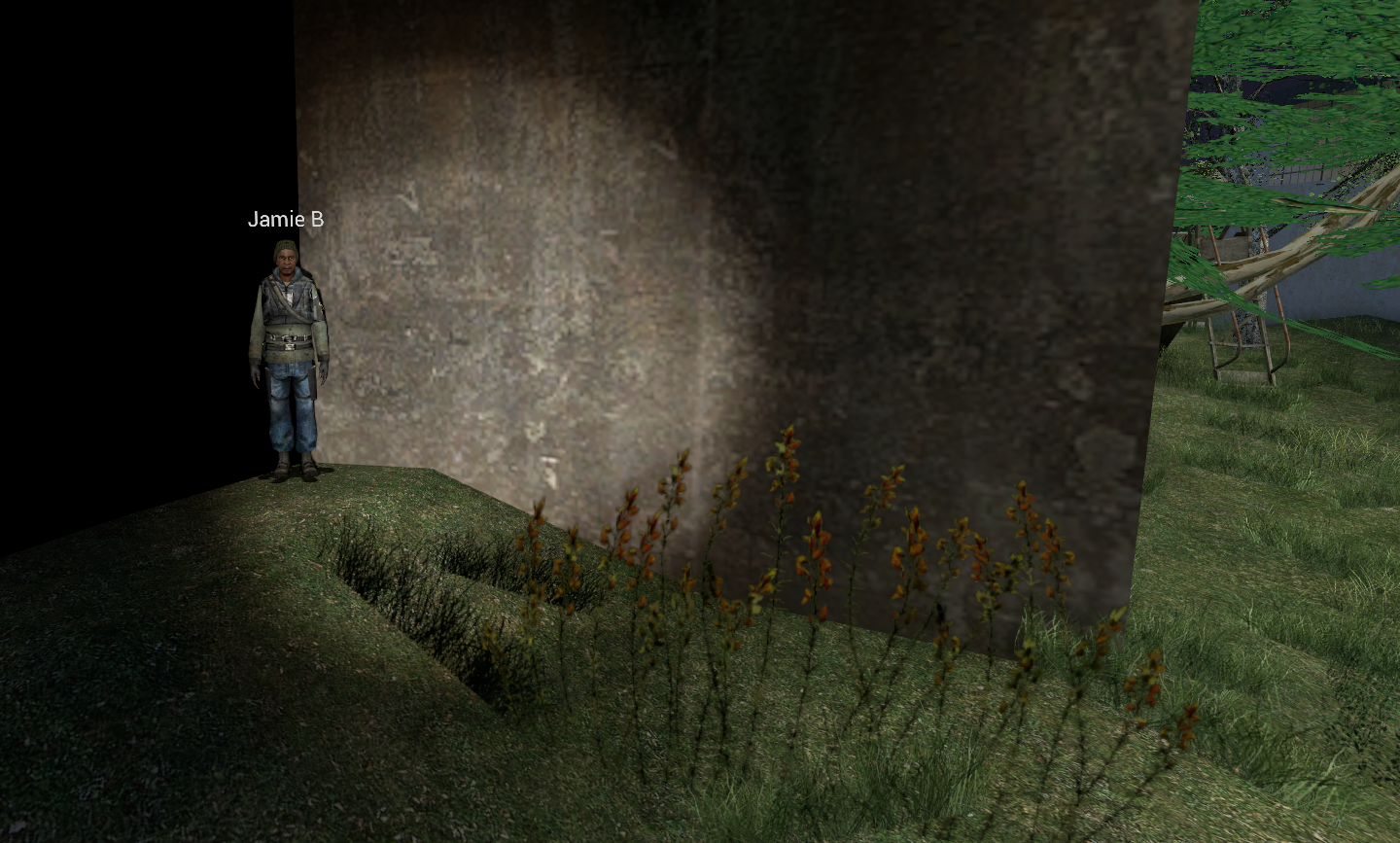
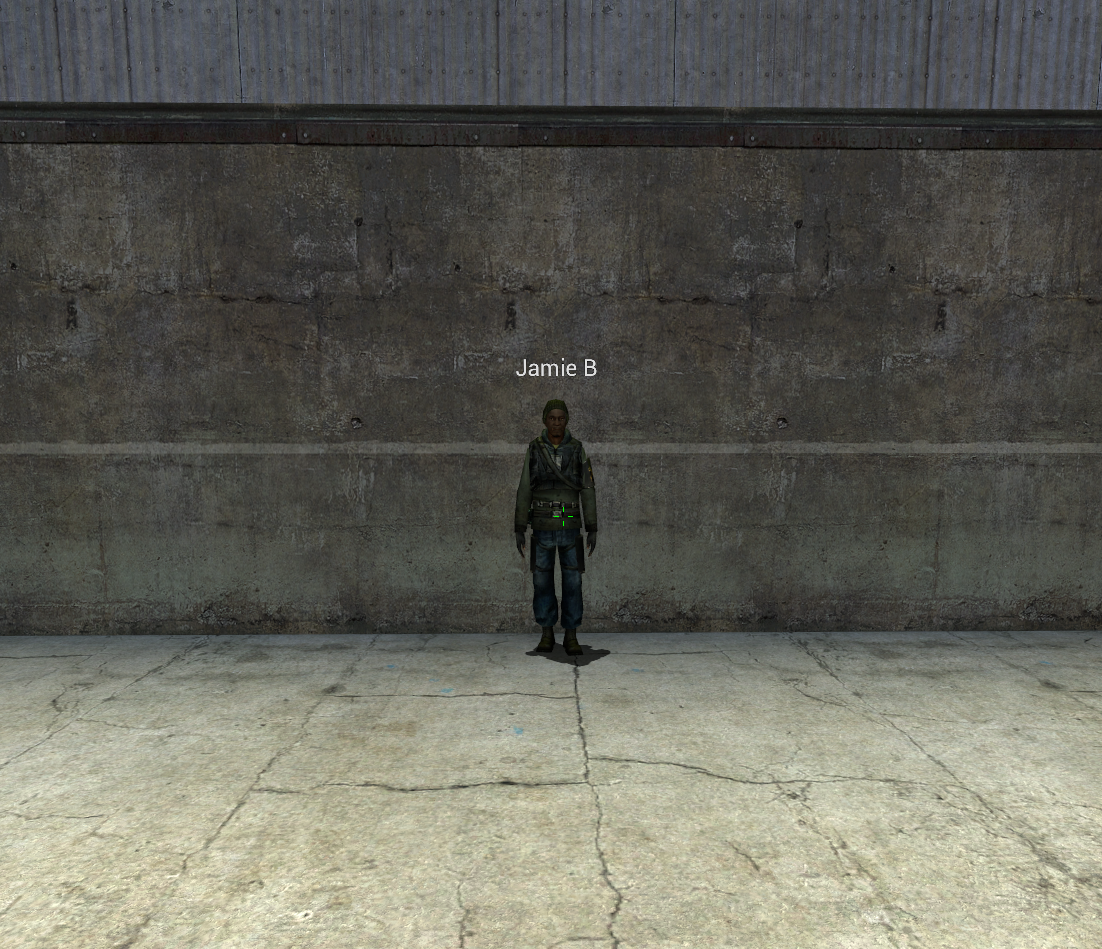
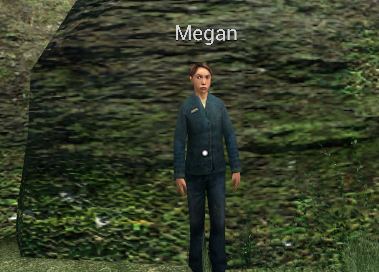
Whether you grew the weed or stole it, you can sell it to drug dealers across the map. You have to find a drug dealer or follow the marker that appears on your screen.

<p class="callout info">They move positions after a certain period of time, so the same dealer wont always be in the spot you saw them last!  
The more CP that are online, the more money you gain when you sell!</p>

There are 2 normally, but if enough players are on there can be 3. Below is a map of downtown and the highlighted areas are where the drug dealers can spawn.

Your weed sells over time and makes you wanted, so get ready to defend yourself and run home!

[![image.png](https://wiki.cloud-gaming.co.uk/uploads/images/gallery/2023-12/scaled-1680-/Yunimage.png)](https://wiki.cloud-gaming.co.uk/uploads/images/gallery/2023-12/Yunimage.png)
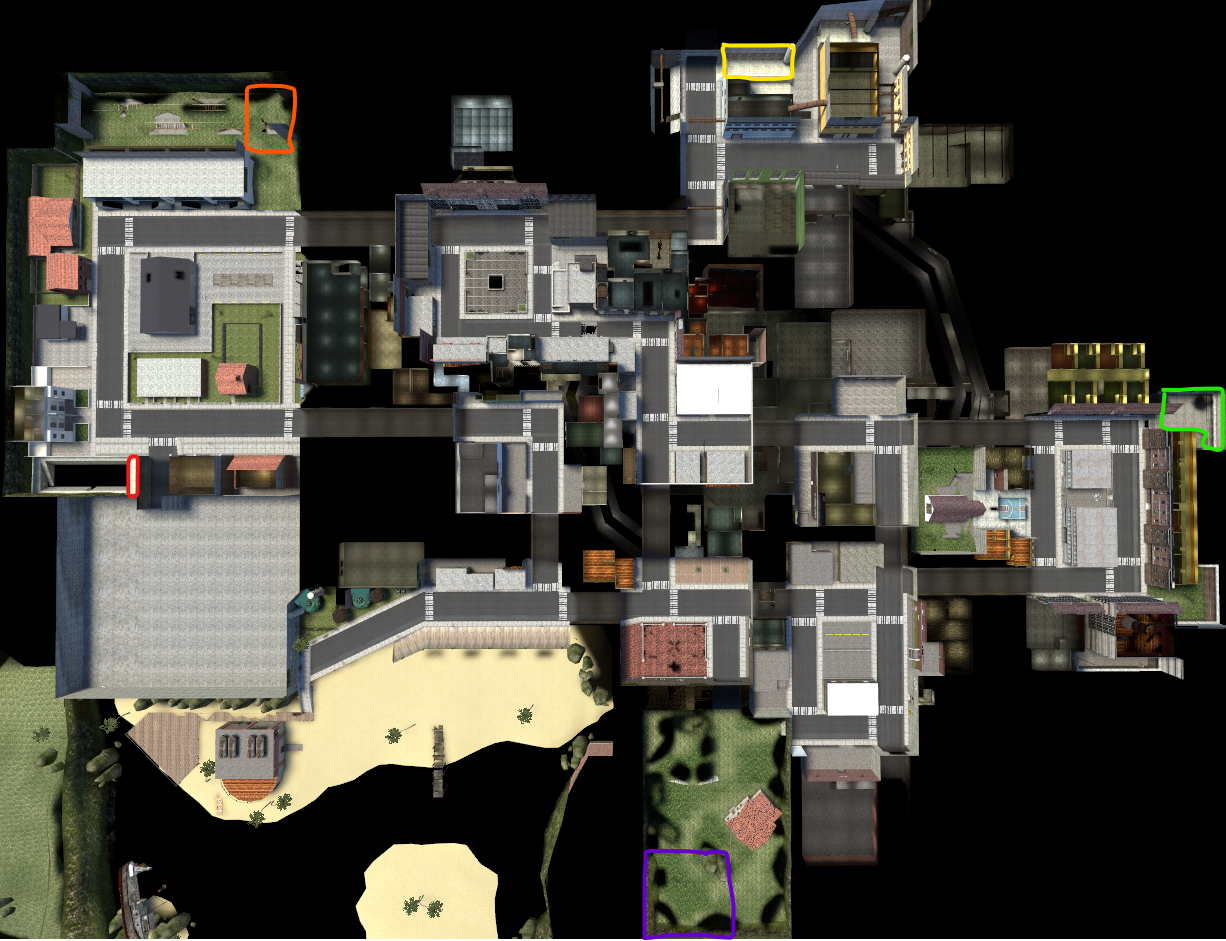
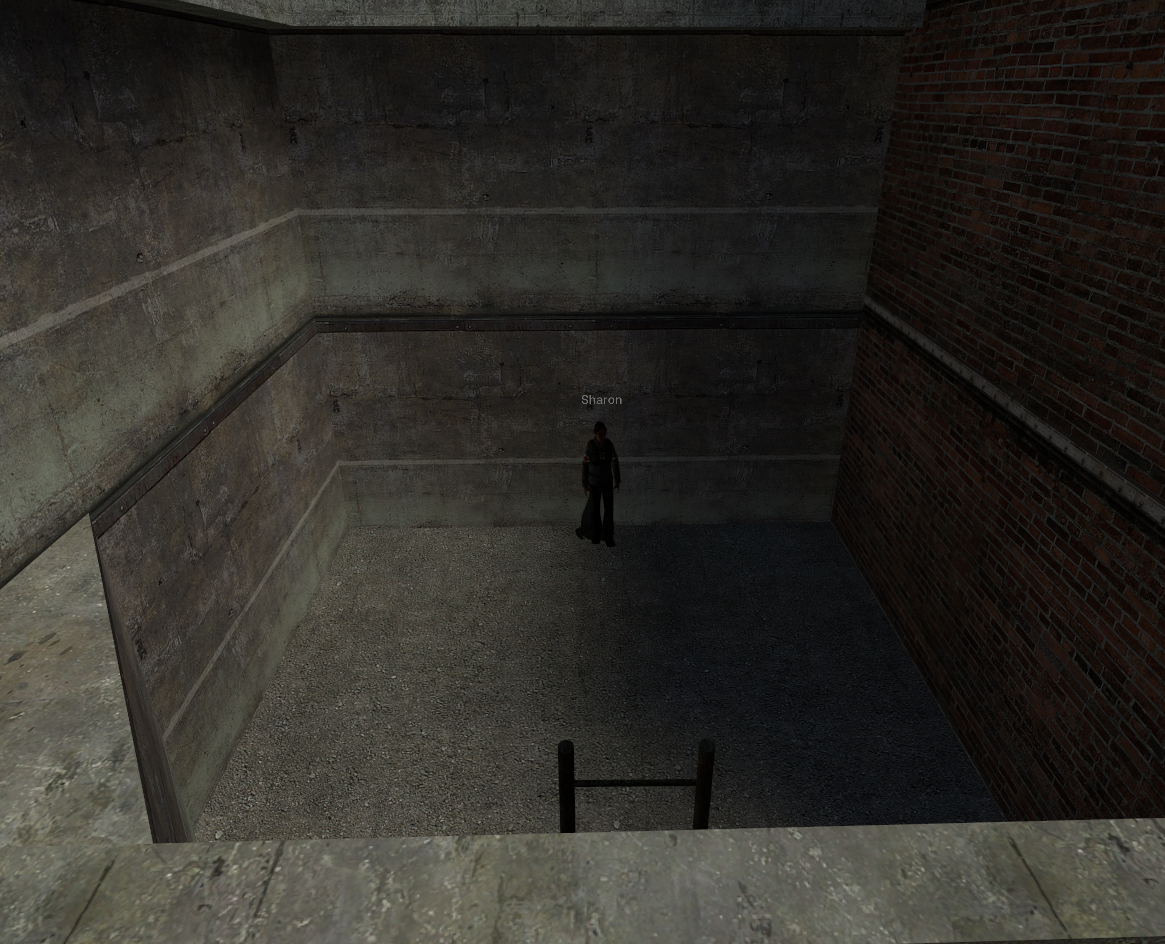
##### **<span style="color: rgb(224, 62, 45);">Residential Dealer 1</span> - <span style="color: rgb(224, 62, 45);">Red </span>**

[![image.png](https://wiki.cloud-gaming.co.uk/uploads/images/gallery/2023-12/scaled-1680-/Fksimage.png)](https://wiki.cloud-gaming.co.uk/uploads/images/gallery/2023-12/Fksimage.png)

##### **<span style="color: rgb(230, 126, 35);">Residential Dealer 2</span> - <span style="color: rgb(230, 126, 35);">Orange</span>**

**[![image.png](https://wiki.cloud-gaming.co.uk/uploads/images/gallery/2023-12/scaled-1680-/uooimage.png)](https://wiki.cloud-gaming.co.uk/uploads/images/gallery/2023-12/uooimage.png)**

##### **<span style="color: rgb(241, 196, 15);">Industrial Dealer </span>- <span style="color: rgb(241, 196, 15);">Yellow </span>**

[![image.png](https://wiki.cloud-gaming.co.uk/uploads/images/gallery/2023-12/scaled-1680-/3E2image.png)](https://wiki.cloud-gaming.co.uk/uploads/images/gallery/2023-12/3E2image.png)

##### **<span style="color: rgb(132, 63, 161);">Farm Dealer</span> - <span style="color: rgb(132, 63, 161);">Purple</span>**

##### [![image.png](https://wiki.cloud-gaming.co.uk/uploads/images/gallery/2023-12/scaled-1680-/XGiimage.png)](https://wiki.cloud-gaming.co.uk/uploads/images/gallery/2023-12/XGiimage.png)

##### **<span style="color: rgb(45, 194, 107);">Oakyville Dealer </span>- <span style="color: rgb(45, 194, 107);">Green</span>**

[![image.png](https://wiki.cloud-gaming.co.uk/uploads/images/gallery/2023-12/scaled-1680-/j93image.png)](https://wiki.cloud-gaming.co.uk/uploads/images/gallery/2023-12/j93image.png)