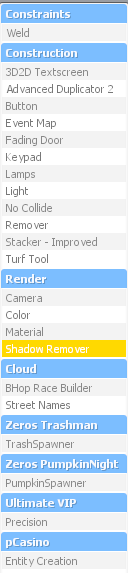
Shadow Remover Tool
The Shadow Remover tool is used to remove the shadow from a prop. By default, placed props cast a shadow, which can make your build look dark and dull. Removing the shadow brightens the prop and gives your base a cleaner, brighter appearance.
To use it, hold Q, select the Shadow Remover tool, then left click the prop you want to affect. The shadow will be removed, and the tool can also be used to make objects appear fully bright.